Remanence
Tape memory and saturationA complete reel-to-reel tape emulator. Four formulas, three speeds, and a bias trim — saturation that responds like the real thing.
Professional audio plugins since 2006. No subscriptions. No gimmicks.
A complete reel-to-reel tape emulator. Four formulas, three speeds, and a bias trim — saturation that responds like the real thing.
Adds weight, density, and harmonic structure through modeled transformer behavior.
Virtual analog synthesizer unlike any other, designed from first principles to be distinctive.
Browse Plugins
Adds weight, density, and harmonic structure through modeled transformer behavior.
A complete reel-to-reel tape emulator. Four formulas, three speeds, and a bias trim — saturation that responds like the real thing.
Your complete non-linearity toolkit - from smooth transformer to rich and valve-like.
Thickening with delay and exceptionally high quality pitch shift. Retire your big eighties rack today...
Virtual analog synthesizer unlike any other, designed from first principles to be distinctive.
Filter, chorus, phaser and drive for the creative at heart. Unique in sound, flexible in execution.
The sophisticated emulation of a classic analog ladder filter taken from Olga and Oligarc.
Waveform reshaping tool allowing powerful direct control over the dynamics of any audio.
Intelligent resonant filters driven by real-time polyphonic pitch detection. Try it on ..anything. Everything. Do it now...
Extremely controllable and flexible algorithmic stereo reverb with integrated gate.
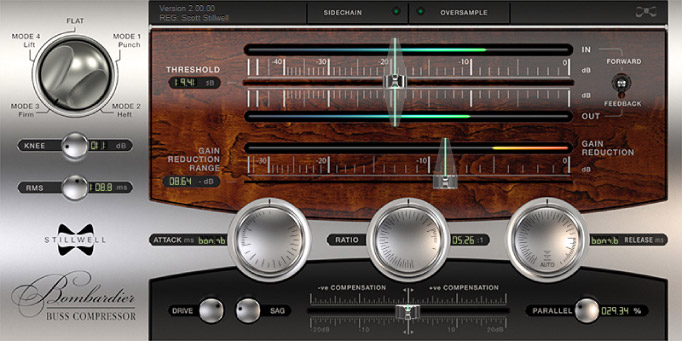
Buss compressor, tailored for smooth and musical processing of complex audio.
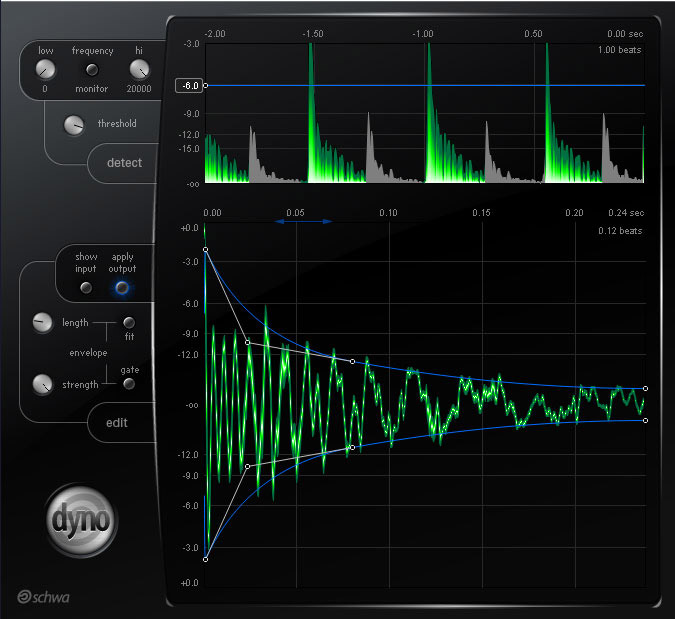
Graphic threshold-driven dynamic envelope editor.
Soft-clipping for VERY transparent loudness increases. No pumping, transient or frequency artifacts whatsoever.
Glorious and creative compression with adaptive attack and release - from smooth to snarling!
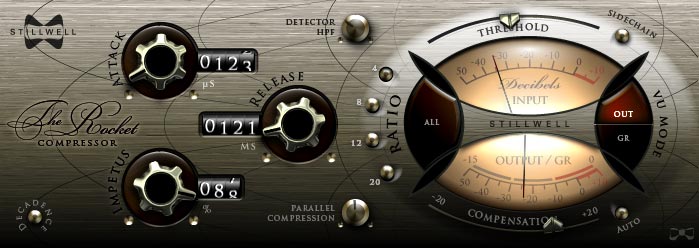
The Rocket is a character audio compressor built for very fast response, reacting in microseconds to variations in program...
Total gain-independent control of the transient and sustain elements of drums, bass, guitars and all things spiky.
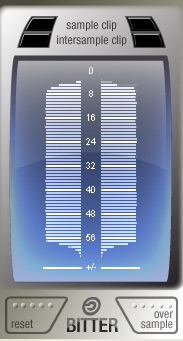
Intersample clipping detection, bit tree display and sample rate indication for your cost-free enjoyment.
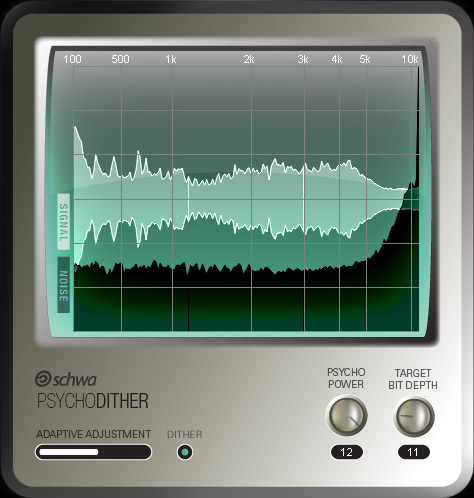
Adaptive dither that reacts in real-time to the signal audio to preserve the maximum possible dynamic rang...
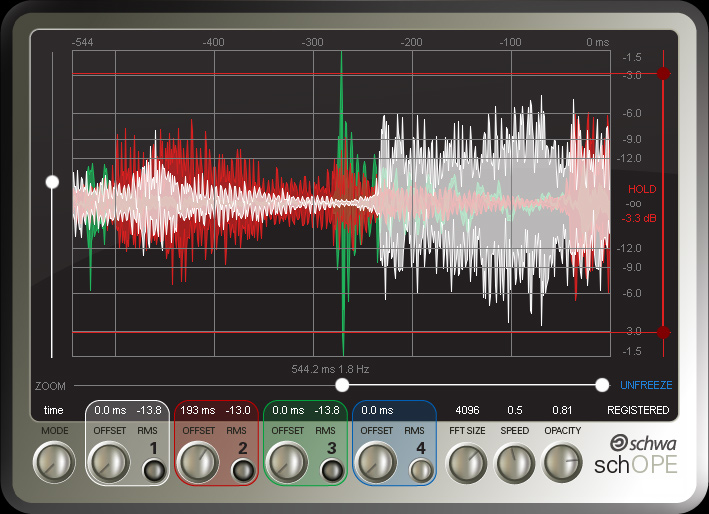
Compare and contrast by waveform, frequency or phase. Inspect with freeze, zoom and scrub.
Powerful and non-destructive real-time spectral editing without leaving your host application.
Stillwell Audio plugin system requirements are now shown more clearly before download and on the installation help page.
Remanence is now available, the new Tone plugin category groups Fe26 and Remanence, and the previously announced pricing updates are now in effect.
Stillwell Audio maintenance updates address a shared oversampling/resampler priming issue that could affect Audio Unit inspection in some strict hosts.