Compare signal relationships with schOPE
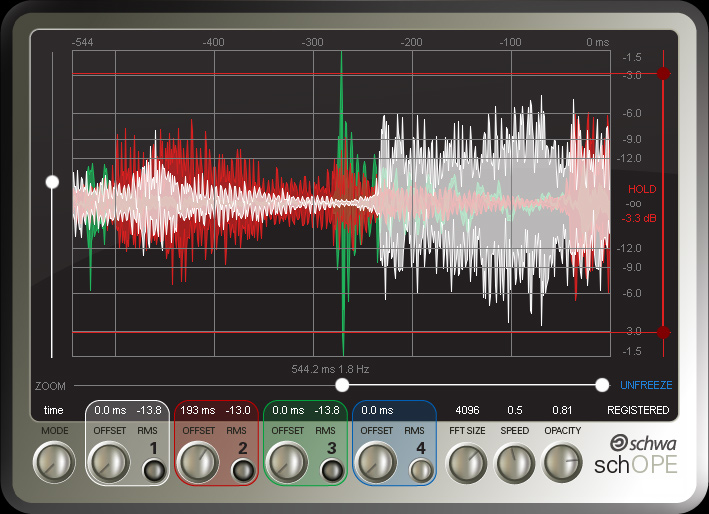
Observe waveform/time, frequency, and phase relationships before deciding whether the audio needs repair or delivery processing; schOPE can include multiple signals in the comparison.
Stillwell Audio utility plugins
Start with the job: decide whether you need to observe relationships, repair an isolated problem, verify digital output, or modify a reduced-bit-depth render for delivery.
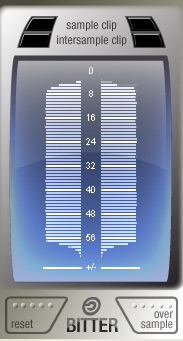
Choose schOPE when the job is observing waveform/time, frequency, or phase relationships across one or more signals; choose Bitter, a free plugin, when the job is observing bit usage, sample clipping, or estimated intersample peaks without processing the audio.
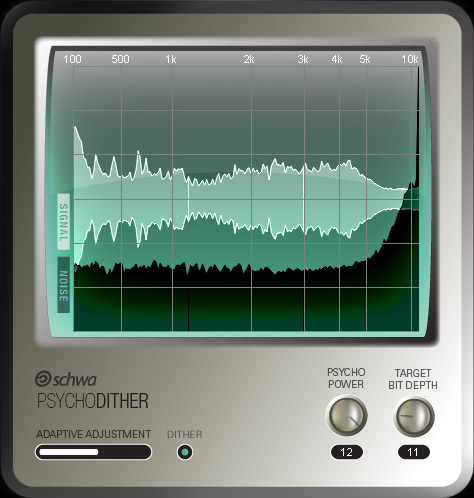
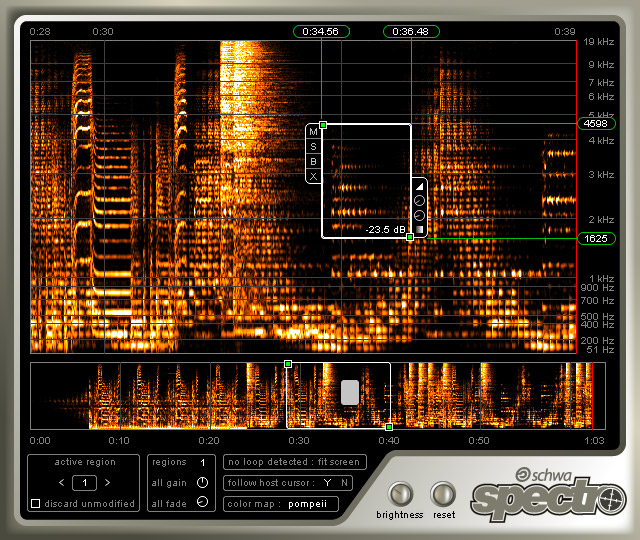
Choose Spectro when the job is changing only a selected time-frequency region in real time and non-destructively; choose Psycho Dither when the job is modifying reduced-bit-depth output with adaptive dither, a selected dither color, and psychoacoustic noise shaping.
Observe waveform/time, frequency, and phase relationships before deciding whether the audio needs repair or delivery processing; schOPE can include multiple signals in the comparison.
Apply real-time, non-destructive edits only to the selected time-frequency regions that contain the problem.
Observe bit usage, sample clipping, and estimated intersample peaks without processing the audio.
Modify reduced-bit-depth output with adaptive dither, a selected dither color, and psychoacoustic noise shaping.
Use schOPE to compare kick and bass in waveform/time, frequency, and phase views so their relationship can be inspected across both signals.
Use schOPE to inspect phase relationships or compare a signal before and after processing in waveform/time and frequency views.
Use Spectro to select the problem in time and frequency, then apply a real-time, non-destructive edit only to that region.
Use Bitter to observe sample clipping, estimated intersample peaks, and how many available bits the signal uses without processing the audio.
Use Psycho Dither to apply adaptive dither, a selected dither color, and psychoacoustic noise shaping to reduced-bit-depth output, then use Bitter to verify the resulting bit usage and peak behavior.
| Product | Problem | Operation | Typical signal-chain position | Observes or modifies audio |
|---|---|---|---|---|
| schOPE | Signal relationships need comparison. | Observes waveform/time, frequency, and phase relationships, including across multiple signals. | At the signal points being compared, including pre/post or multi-signal positions. | Observes audio. |
| Spectro | A click, overtone, bleed, or other problem is isolated in time and frequency. | Applies real-time, non-destructive edits only to selected time-frequency regions. | On the track whose selected region needs repair. | Modifies the processed output in selected regions. |
| Bitter | Bit usage, sample clipping, or estimated intersample peaks need verification. | Observes bit usage, sample clipping, and estimated intersample peaks without processing audio. | At the point where output or render behavior needs checking. | Observes audio without modifying it. |
| Psycho Dither | Reduced-bit-depth output needs dither and noise shaping. | Applies adaptive dither, a selected dither color, and psychoacoustic noise shaping. | At delivery, where reduced-bit-depth output is prepared. | Modifies audio output. |
Supporting inventory
This free plugin observes bit usage, sample clipping, and estimated intersample peaks without processing audio.
Modify reduced-bit-depth output with adaptive dither, selectable dither color, and psychoacoustic noise shaping.
Observe and compare waveform/time, frequency, and phase relationships across multiple signals.
Apply real-time, non-destructive edits only to selected time-frequency regions.